Public Screen Content Rules That Capture Attention
Applying attention science to improve digital signage performance
Public screens are fundamentally different from personal devices. Viewers are often in transit, distracted, or engaged in other activities. This creates a narrow window to capture attention and communicate effectively. Traditional content strategies do not translate well to these environments. What works on a website or mobile app often fails on a public display due to differences in context, intent, and viewing behavior. To succeed, businesses must design content specifically for glance-based interactions, guided by attention science and real-world viewing patterns.
Written by
Sidharth Gaikwad
Read Time
4 minutes
Posted on
04/05/2026

Understanding Attention in Public Environments
Attention on public screens is passive, fragmented, and short-lived. Unlike intentional browsing, users do not actively seek out the content.
This means:
You are competing with environmental distractions
Engagement is driven by visual triggers, not intent
Retention depends on clarity and simplicity
Effective content acknowledges these constraints and adapts accordingly.
The 5-Second Rule of Content Design
The most important principle is simple: your message must be understood within seconds.
Key practices include:
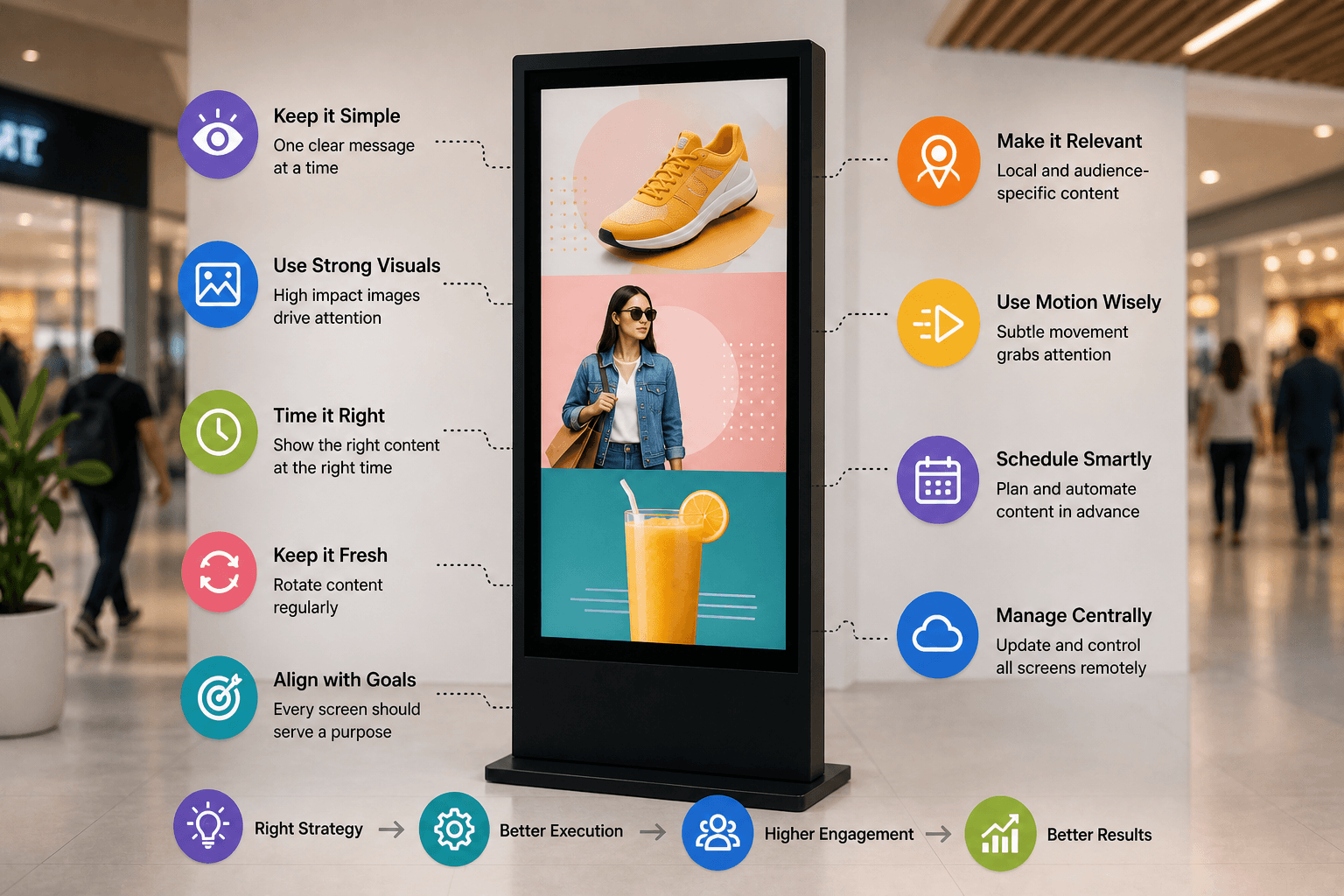
Focus on a single core message
Use large, readable typography
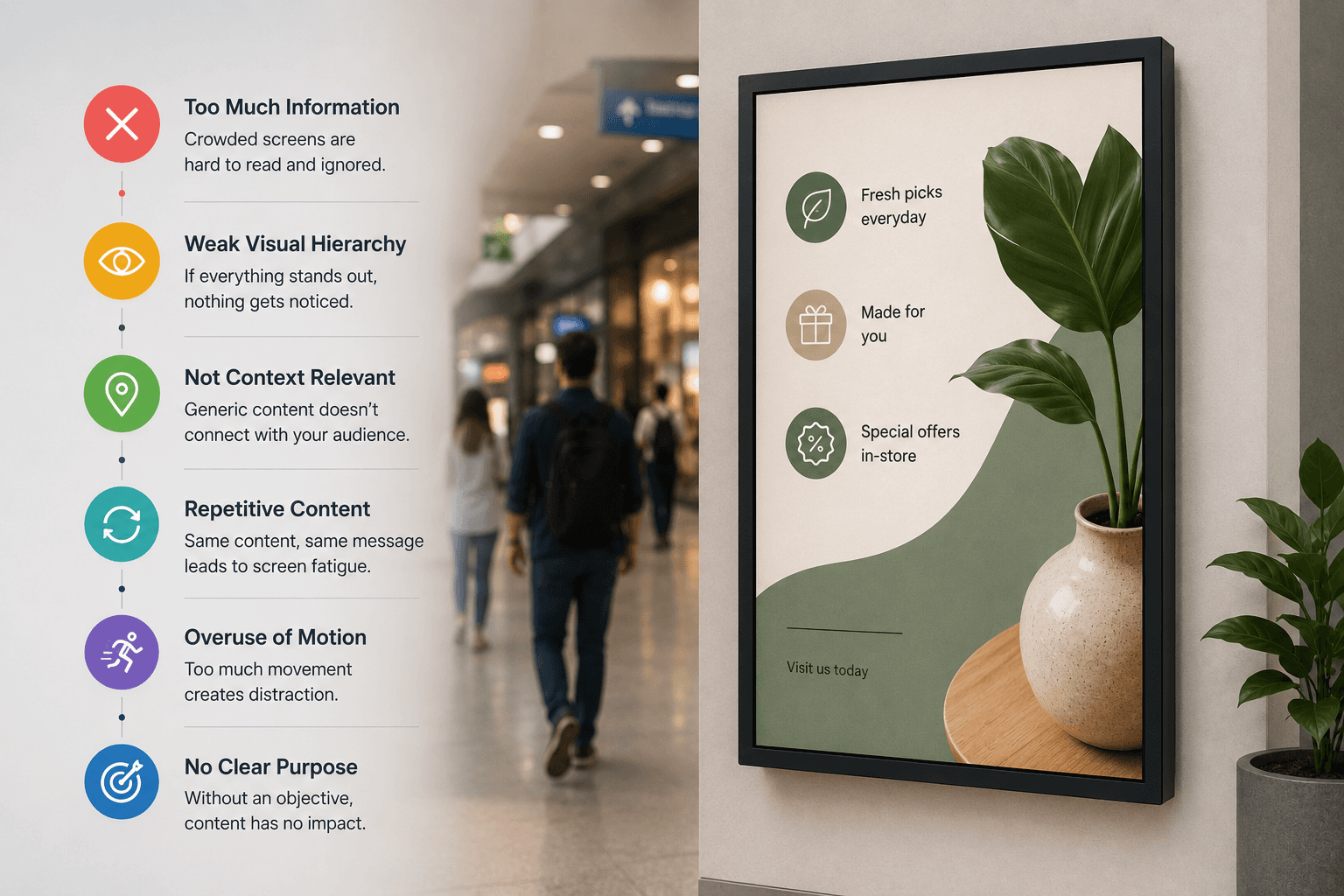
Avoid clutter and excessive detail
If a viewer cannot grasp the message instantly, the opportunity is lost.
Visual Hierarchy Drives Clarity
Strong visual hierarchy ensures that viewers process information in the intended order.
To achieve this:
Use size to prioritize key elements
Apply contrast to highlight important content
Position critical information at eye level
A clear hierarchy reduces cognitive load and improves message retention.
Motion as an Attention Trigger
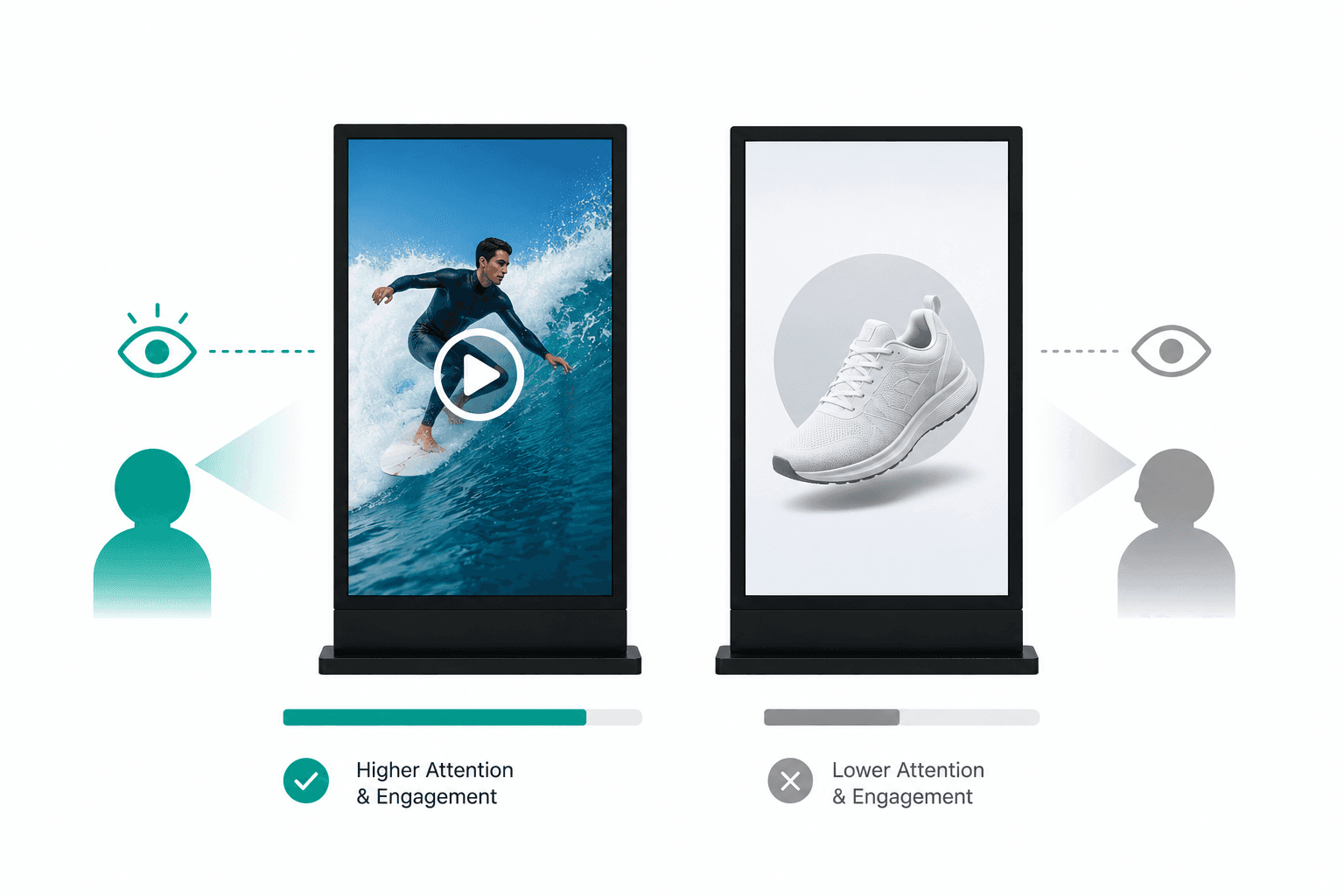
Human vision is naturally drawn to movement. Even subtle animation can significantly increase engagement.
Effective use of motion includes:
Smooth transitions between content
Highlighting key elements with animation
Avoiding excessive or distracting movement
The goal is to guide attention, not overwhelm it.
Contrast and Color Psychology
Contrast improves readability and visibility, especially in dynamic environments.
Best practices:
Use high-contrast color combinations
Ensure text stands out against backgrounds
Maintain consistency with brand identity
Color can also influence perception and emotional response, making it a strategic tool in content design.
Content Density and Simplicity
Overloading screens with information reduces effectiveness. Simplicity is not just a design choice—it is a performance strategy.
Focus on:
One message per screen
Minimal text and clean layouts
Clear calls to action
Less content leads to better comprehension and higher recall.
Context-Aware Content Strategy
Content should adapt to where and when it is displayed.
Consider:
Location (retail, corporate, transit)
Audience behavior and intent
Time of day and peak traffic periods
Contextual relevance increases engagement and ensures that content feels timely and useful.
Measuring and Optimizing Performance
Digital signage is not just about display—it is about measurable impact.
Key metrics to track:
Engagement rates
Content dwell time
Conversion or action rates
Continuous optimization based on data allows businesses to refine content strategies and maximize ROI.
Conclusion
Content on public screens is a high-impact but highly constrained medium. Success depends on understanding how attention works in real-world environments and designing content accordingly.
By applying principles such as clarity, motion, contrast, and simplicity, businesses can transform digital signage into a powerful communication and growth channel.
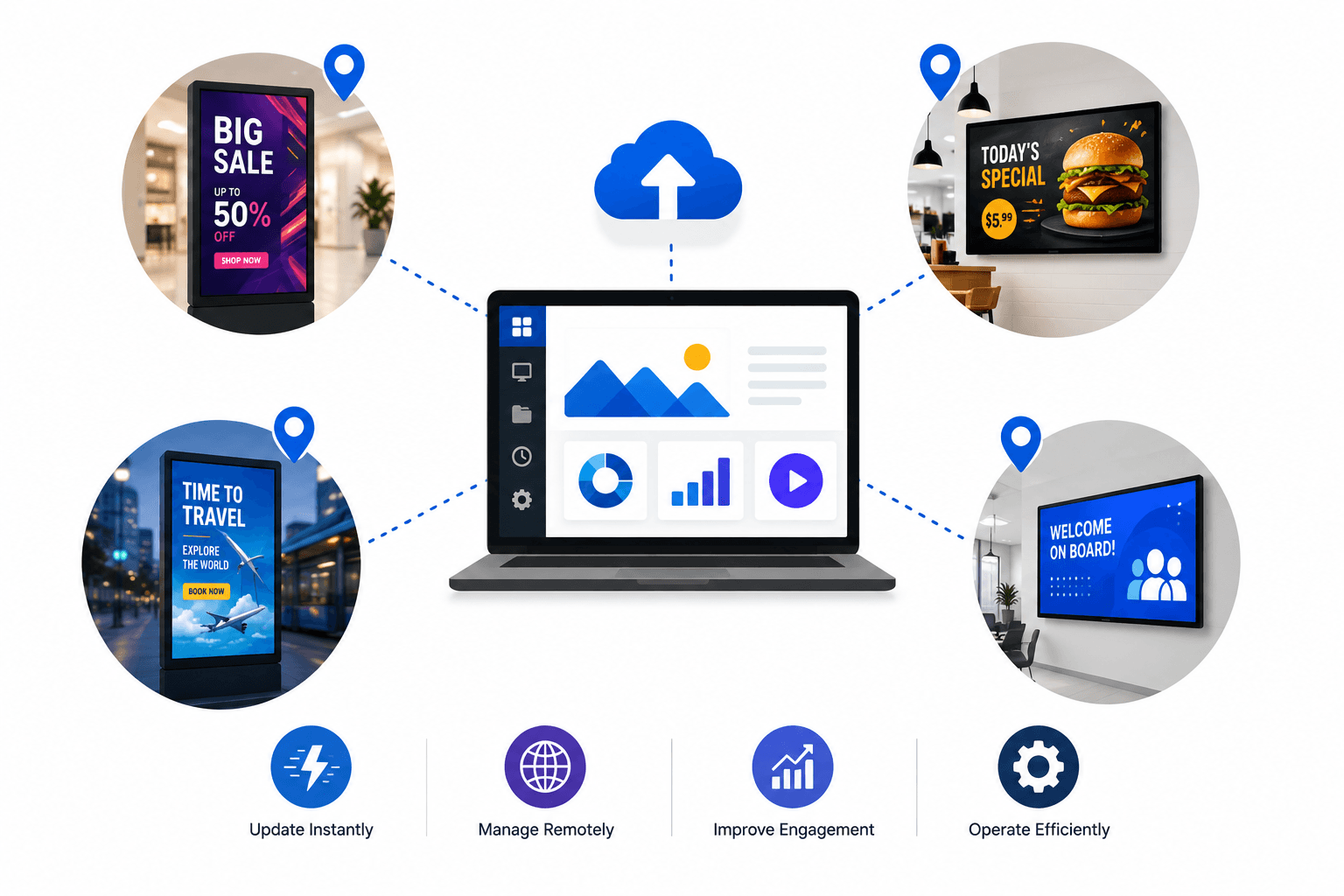
For organizations managing screens at scale, the ability to consistently apply these rules across locations becomes a competitive advantage.
Call to Action:
If you're looking to optimize your digital signage strategy and improve content performance across your network, Flickerwall provides the tools to manage, test, and scale high-performing screen content efficiently.