Turn KPIs Into Action With TV Dashboards
Transforming workplace data into real-time visual intelligence.
In today’s data-driven business environment, information alone isn’t enough—visibility is everything. Imagine walking into your workplace and instantly seeing live sales numbers, operational metrics, project milestones, and performance trends displayed clearly on large screens. That’s the power of TV dashboards. These dynamic visual tools transform static reports into actionable intelligence, empowering teams to make faster, smarter decisions.
Written by
Sidharth Gaikwad
Read Time
6 minutes
Posted on
12/29/2025
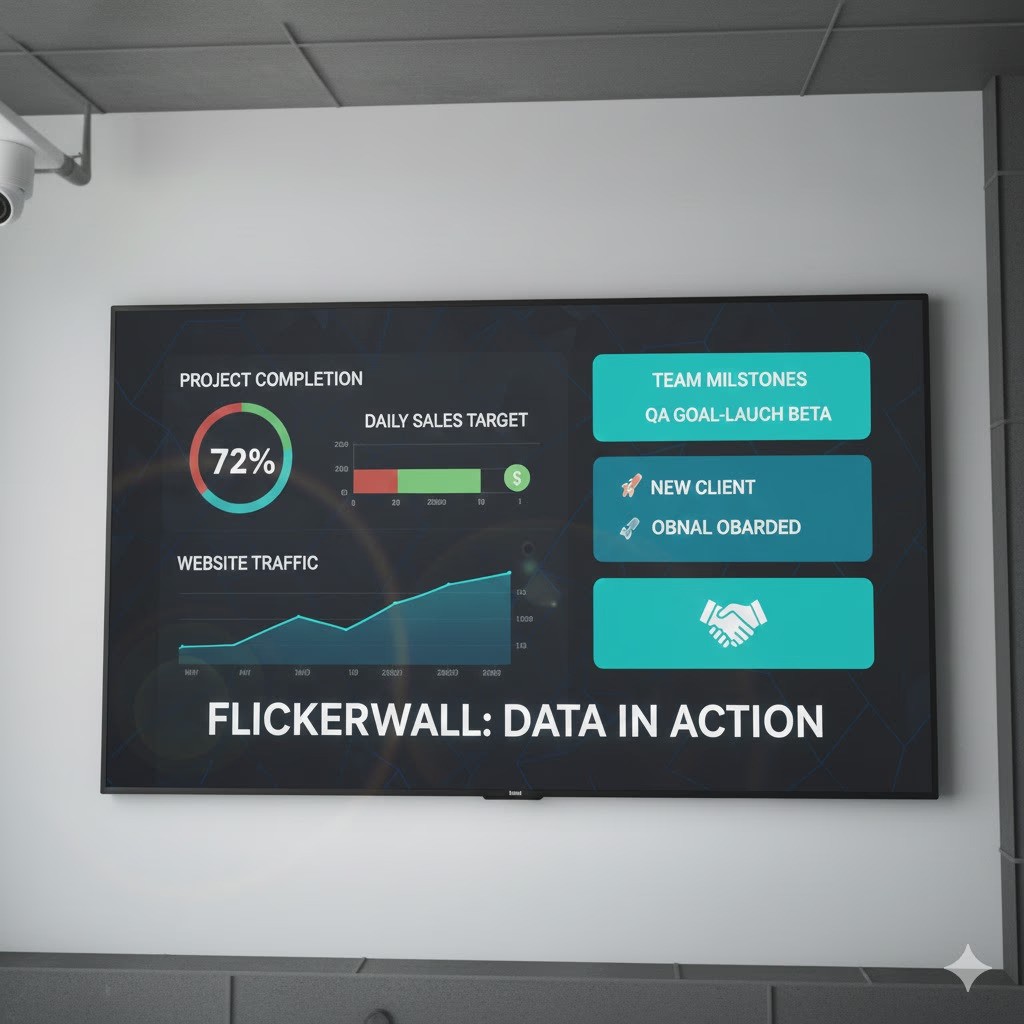
What is a TV Dashboard?
TV dashboards, also called wallboards, are large-screen displays designed to showcase key performance indicators (KPIs) and real-time statistics.
Unlike traditional dashboards confined to personal devices, TV dashboards provide team-wide access to live data.
For example:
A sales team tracking daily revenue targets
A warehouse team monitoring inventory levels
A marketing team reviewing live campaign analytics
The visibility drives accountability and quick response.
Benefits of TV Dashboards
1. Real-Time Monitoring Without Manual Effort
Automatic updates eliminate the need for manual reporting. Teams can react instantly to trends or disruptions.
2. Accessible & Actionable Data
When KPIs are always visible, teams can spot patterns and act without delay.
3. Improved Transparency & Communication
Everyone sees the same numbers. This alignment reduces confusion and improves collaboration.
4. Increased Team Performance
Visible progress tracking motivates teams to hit targets and stay accountable.
Industry Use Cases
Corporate Offices
Track sales conversions, marketing performance, HR metrics, and project timelines in real time.
Retail & E-Commerce
Monitor sales performance, inventory levels, and customer engagement metrics instantly.
Manufacturing & Logistics
Display equipment efficiency, shipment tracking, and supplier performance dashboards.
Healthcare
Show patient wait times, bed availability, and staff schedules to streamline operations.
How to Set Up a TV Dashboard
1. Choose the Right Software
Select a solution that supports real-time updates, integrations, and remote management.
2. Select the Appropriate Hardware
Use HD or 4K commercial-grade displays for long-term reliability.
3. Connect Your Data Sources
Integrate CRM systems, analytics tools, or operational databases.
4. Connect the Display
Options include:
Chromecast
Fire Stick
Media players
Smart TV cloud apps
5. Design a Clear Layout
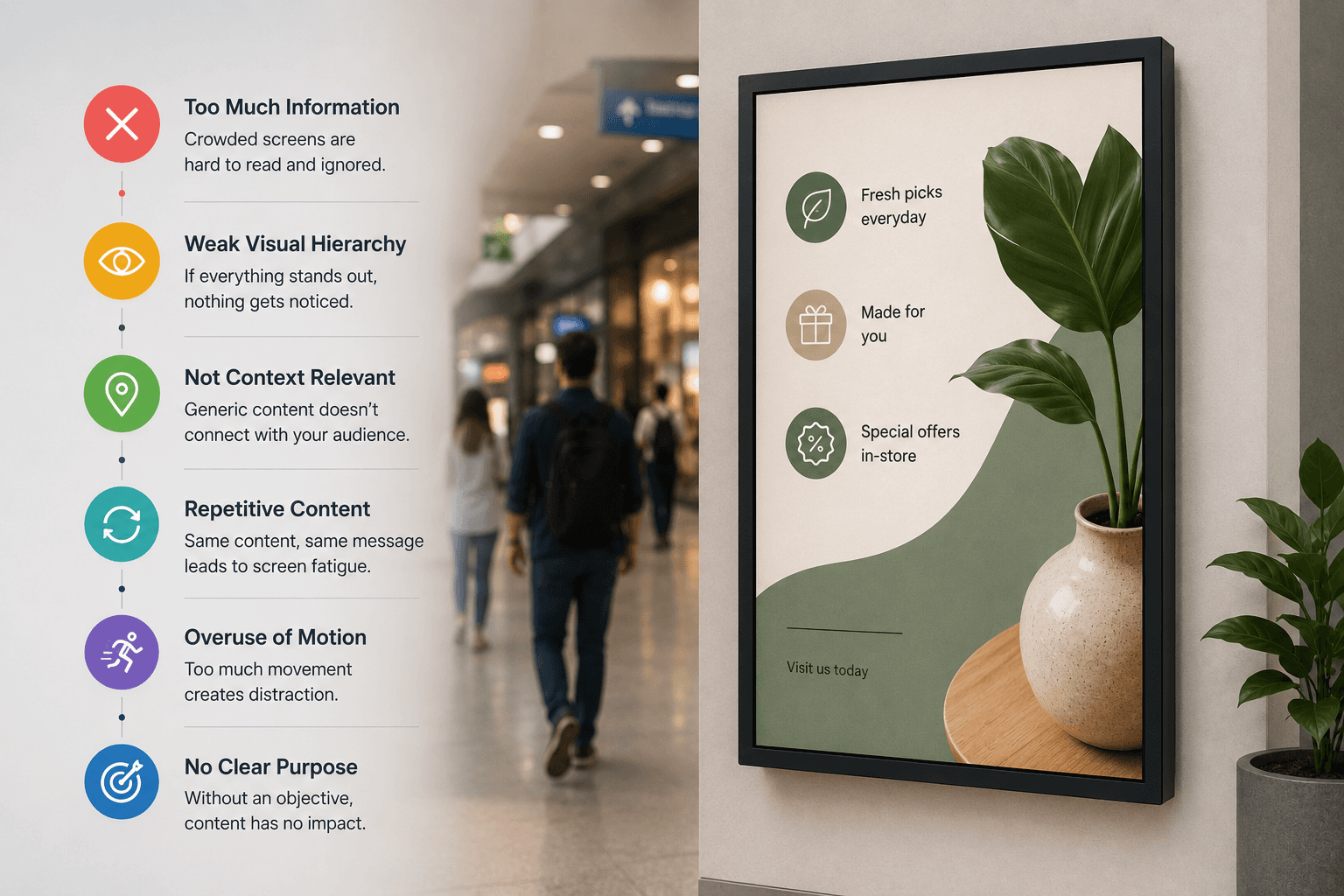
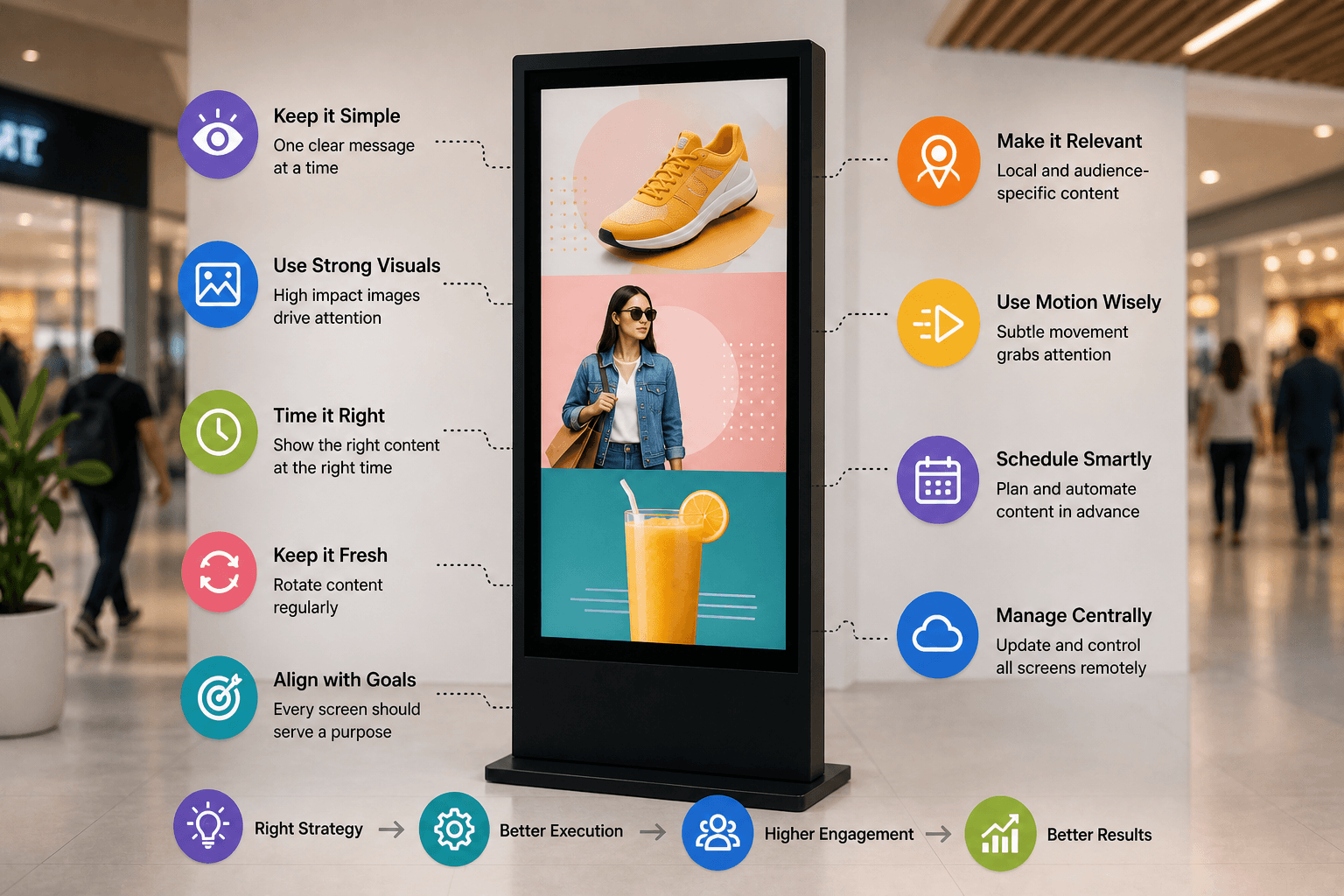
Prioritize critical KPIs. Use clean charts and avoid clutter.
6. Test & Optimize
Ensure readability from a distance and automate refresh cycles.
Using Digital Signage Software for TV Dashboards
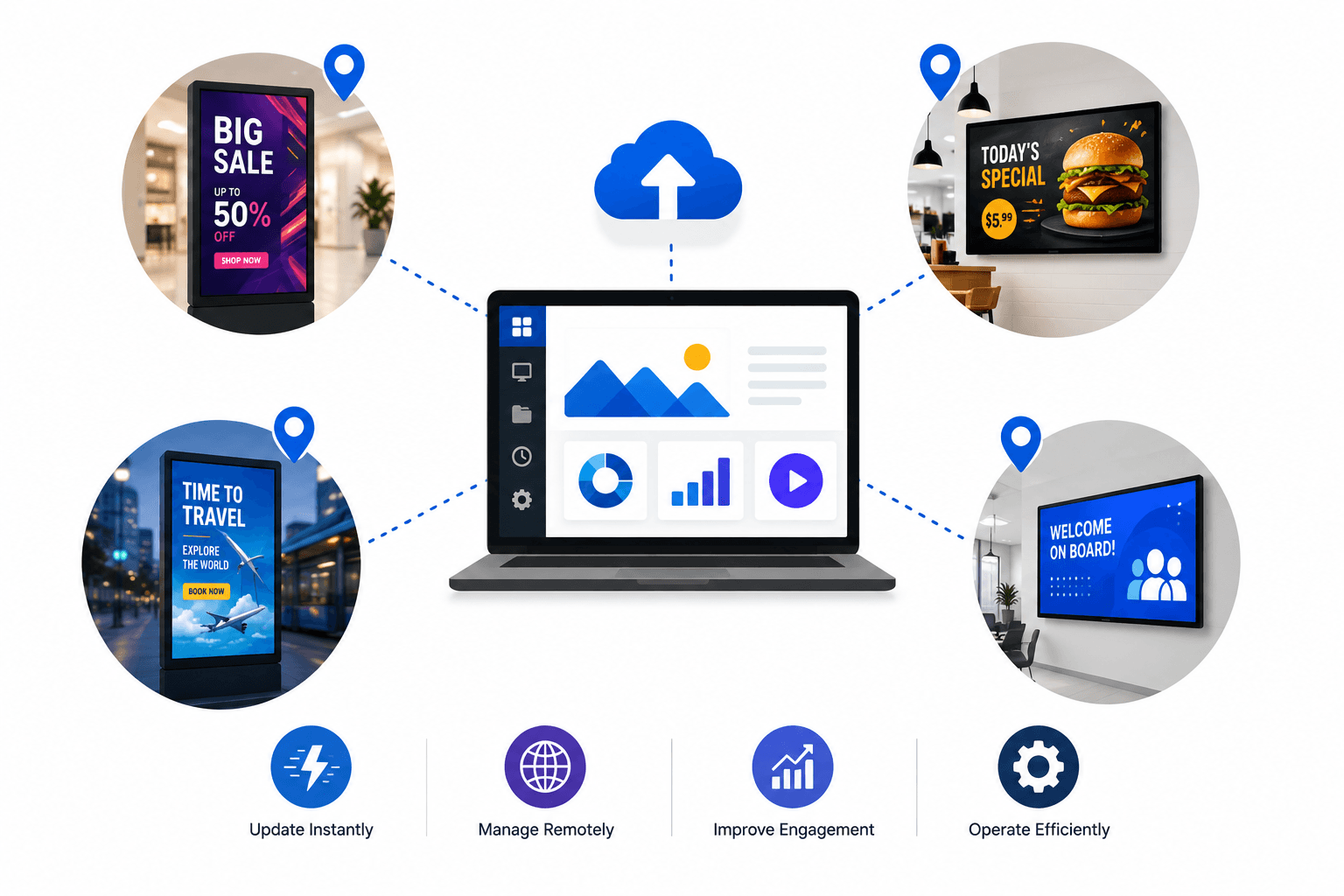
If your organization already uses digital signage, those screens can double as performance dashboards.
With Flickerwall, you can:
Integrate with tools like Power BI
Manage multiple screens remotely
Customize branded layouts
Display live analytics across locations
This makes it ideal for distributed teams and multi-branch operations.
Why Choose Flickerwall?
Flickerwall simplifies turning business data into impactful visual displays.
In just minutes, you can:
Connect live analytics
Publish dashboards to multiple TVs
Update content remotely
Maintain consistent branding
It’s a scalable solution designed to convert data into decisions.
Ready to Activate Your Data?
Bring your KPIs out of spreadsheets and onto the walls of your workspace.
👉 Start Your Free Trial Now
No credit card required. Instant access. Risk-free.
Turn complex metrics into clear, real-time action with powerful TV dashboards.