Understanding Digital Signage Content Management Systems
How businesses manage digital screen content from a central platform
Digital screens are increasingly used by businesses to display promotions, menus, announcements, and brand messaging. Managing content across multiple displays manually can quickly become inefficient. A digital signage CMS helps businesses control and update screen content from a single platform.
Written by
Sidharth Gaikwad
Read Time
4 minutes
Posted on
03/17/2026
What Is a Digital Signage CMS?
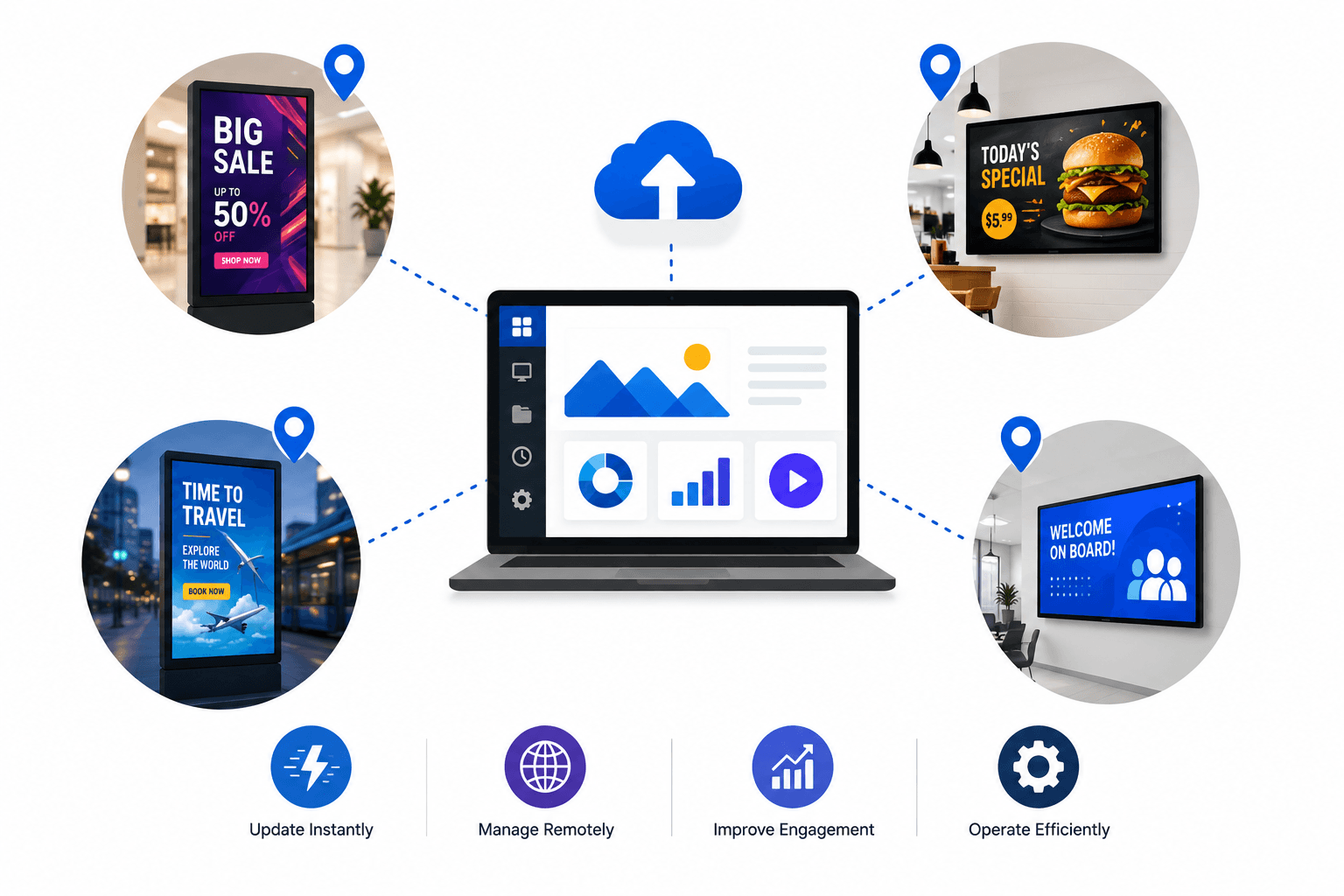
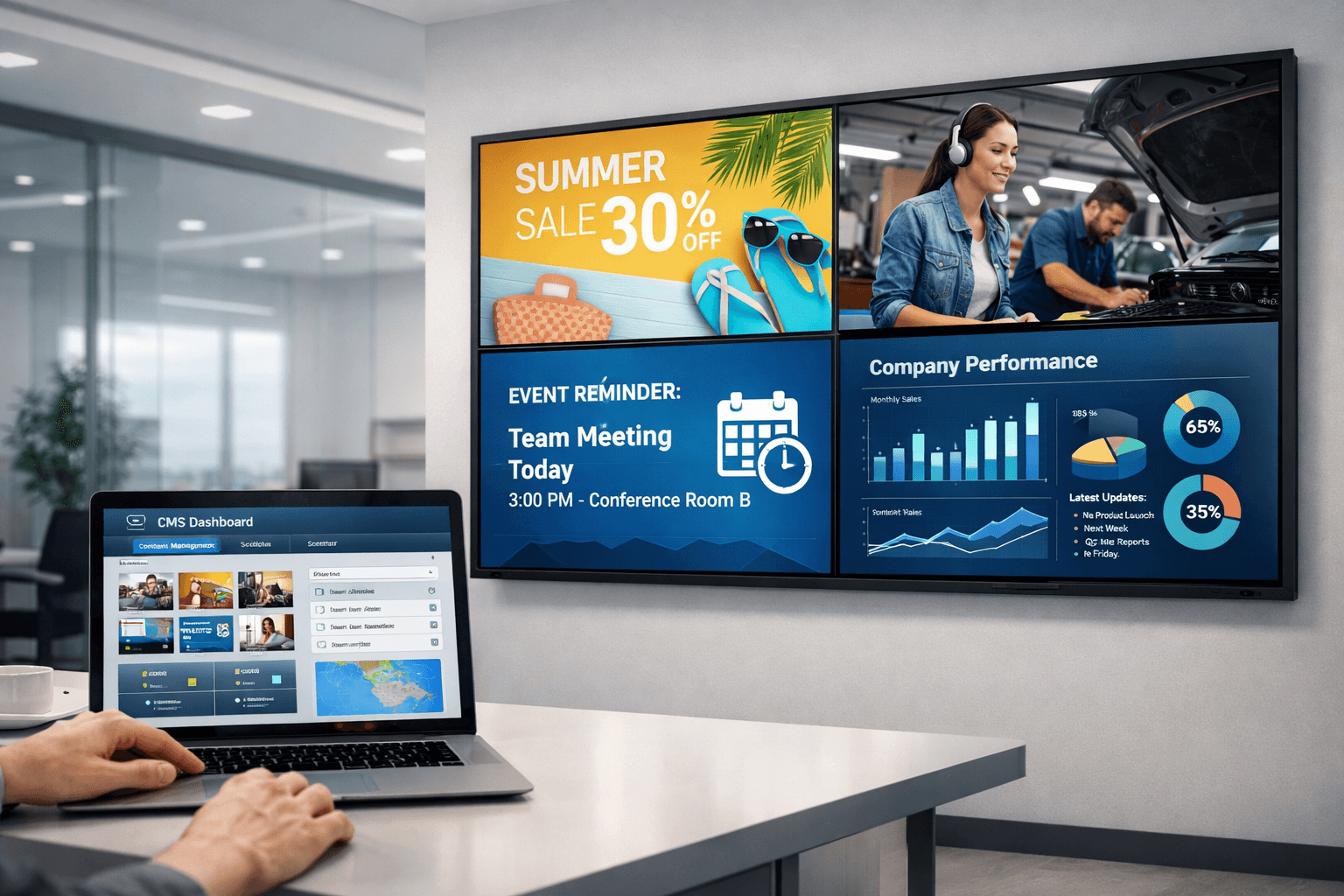
A digital signage CMS (Content Management System) is software that allows businesses to manage and control content displayed on digital screens. Instead of manually updating each screen individually, a CMS provides a centralized dashboard where users can upload media, organize content, and control what appears on each display. This system acts as the control center for an entire digital signage network.
What Content Can Be Managed?
A digital signage CMS supports multiple types of content that businesses can display on screens, enabling dynamic and engaging communication. Common content formats include:
Images and promotional banners
Videos and advertisements
Digital menu boards
Announcements and internal communications
Web pages and live dashboards
By supporting various media types, businesses can keep their displays fresh, informative, and visually engaging.
How a Digital Signage CMS Works
Most digital signage CMS platforms follow a straightforward workflow:
Upload media files to the CMS dashboard
Create playlists or screen layouts
Schedule content for specific screens or locations
Publish the content to displays
Once published, the screens automatically update with the latest content from the CMS, ensuring consistent messaging across all displays.
Benefits of Using a Digital Signage CMS
Using a CMS simplifies digital signage management and provides several advantages over manual updates. Key benefits include:
Centralized content control
Remote screen management
Scheduled campaigns and automated updates
Consistent messaging across locations
Faster and more efficient content deployment
These features make it significantly easier to manage large networks of digital screens.
Who Uses Digital Signage CMS Platforms?
Digital signage CMS platforms are widely used across multiple industries to manage displays efficiently. Common use cases include:
Retail stores promoting products and offers
Restaurants managing digital menu boards
Corporate offices sharing internal updates and announcements
Healthcare clinics displaying patient information
Educational institutions sharing schedules and notices
As digital displays continue to grow in popularity, CMS platforms have become essential for managing these networks effectively.
Conclusion
A digital signage CMS is a critical component of modern screen networks. It allows businesses to centrally manage content, schedule campaigns, and update displays remotely. Without a CMS, managing multiple screens becomes time-consuming and inefficient.
Businesses planning to scale their digital signage deployments benefit from platforms that simplify content management while maintaining consistent communication across locations. Solutions like Flickerwall provide organizations with an efficient and scalable way to manage their digital signage networks.