What Is Digital Signage Software and How It Works
Understanding the platform businesses use to manage digital screens
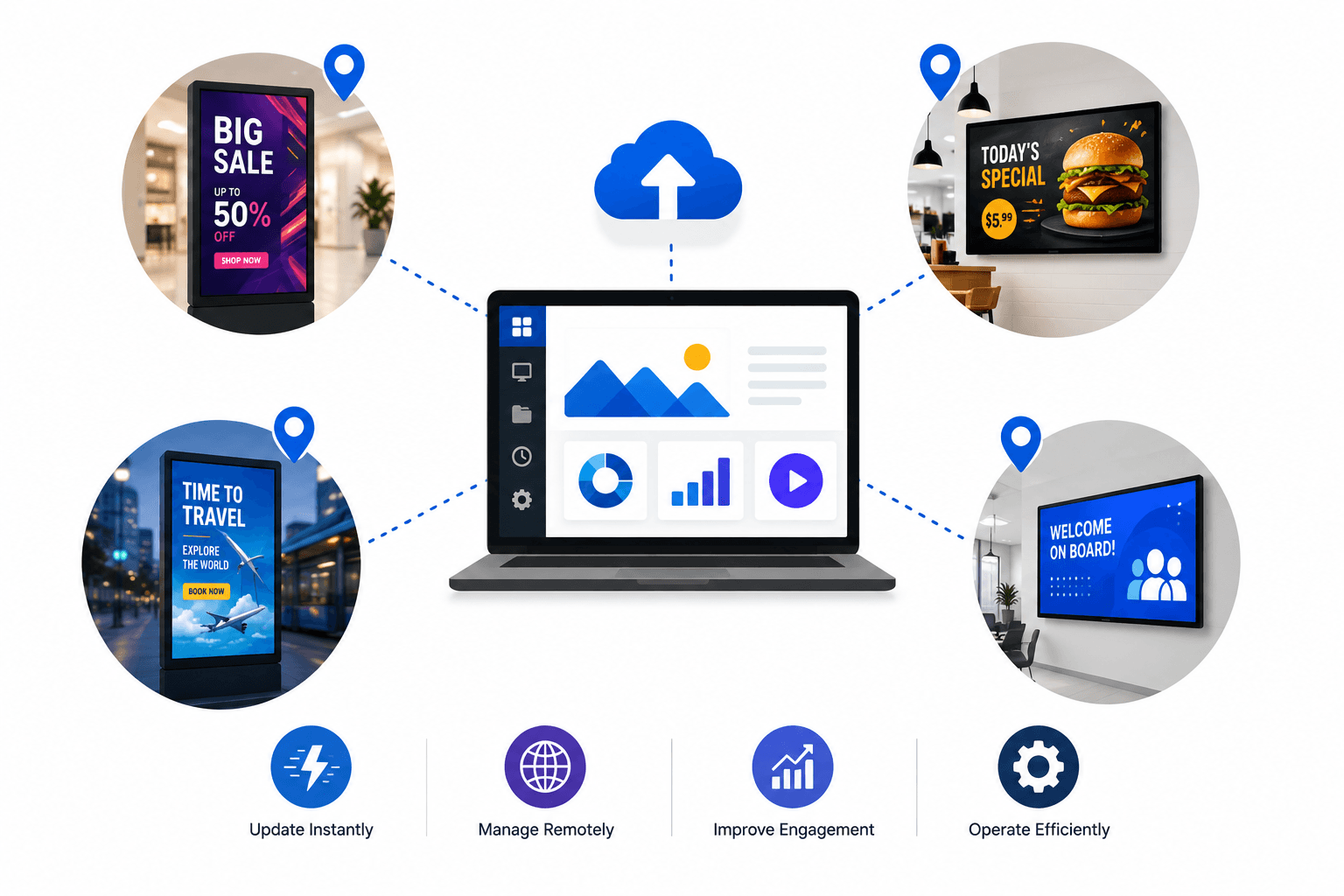
Digital screens are now common in retail stores, restaurants, corporate offices, and healthcare environments. These screens display menus, promotions, announcements, and brand messaging to customers and employees. Managing content across multiple screens manually can quickly become difficult. Businesses often need a centralized way to update content without physically accessing every display. Digital signage software solves this problem by allowing businesses to manage screen content remotely through a single platform.
Written by
Akash Ranjan
Read Time
4 minutes
Posted on
03/07/2026
What Is Digital Signage Software?
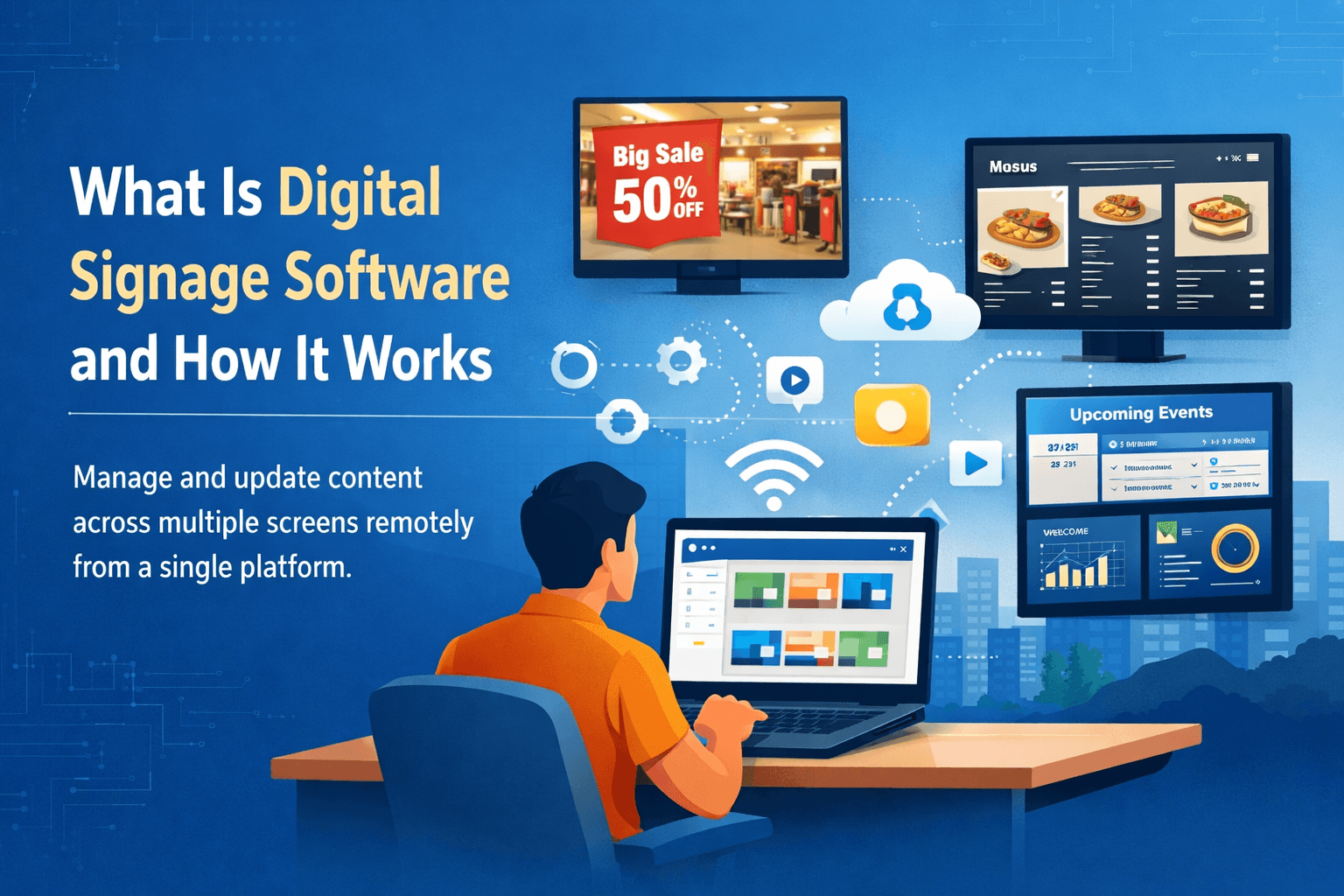
Digital signage software is a platform that allows businesses to manage and update content across digital screens from a centralized dashboard.
Instead of manually updating screens using USB drives or local files, businesses can upload and
schedule content remotely.
Typical content displayed on screens includes:
promotional advertisements
digital menu boards
announcements and notices
product information
corporate communication
Businesses can control multiple screens from one interface, making it easier to maintain consistent messaging across locations.
Businesses evaluating these platforms often compare the investment required for hardware and software. A detailed breakdown is available in our guide on digital signage cost in India for SMBs.
How Digital Signage Software Works?
Digital signage systems usually consist of these components.
Display screens
Commercial displays or smart televisions are used to show the content. These screens are installed in locations such as retail stores, restaurants, or office environments.
Media player or smart display
The media player connects the screen to the internet and receives content from the software platform.
Content management software
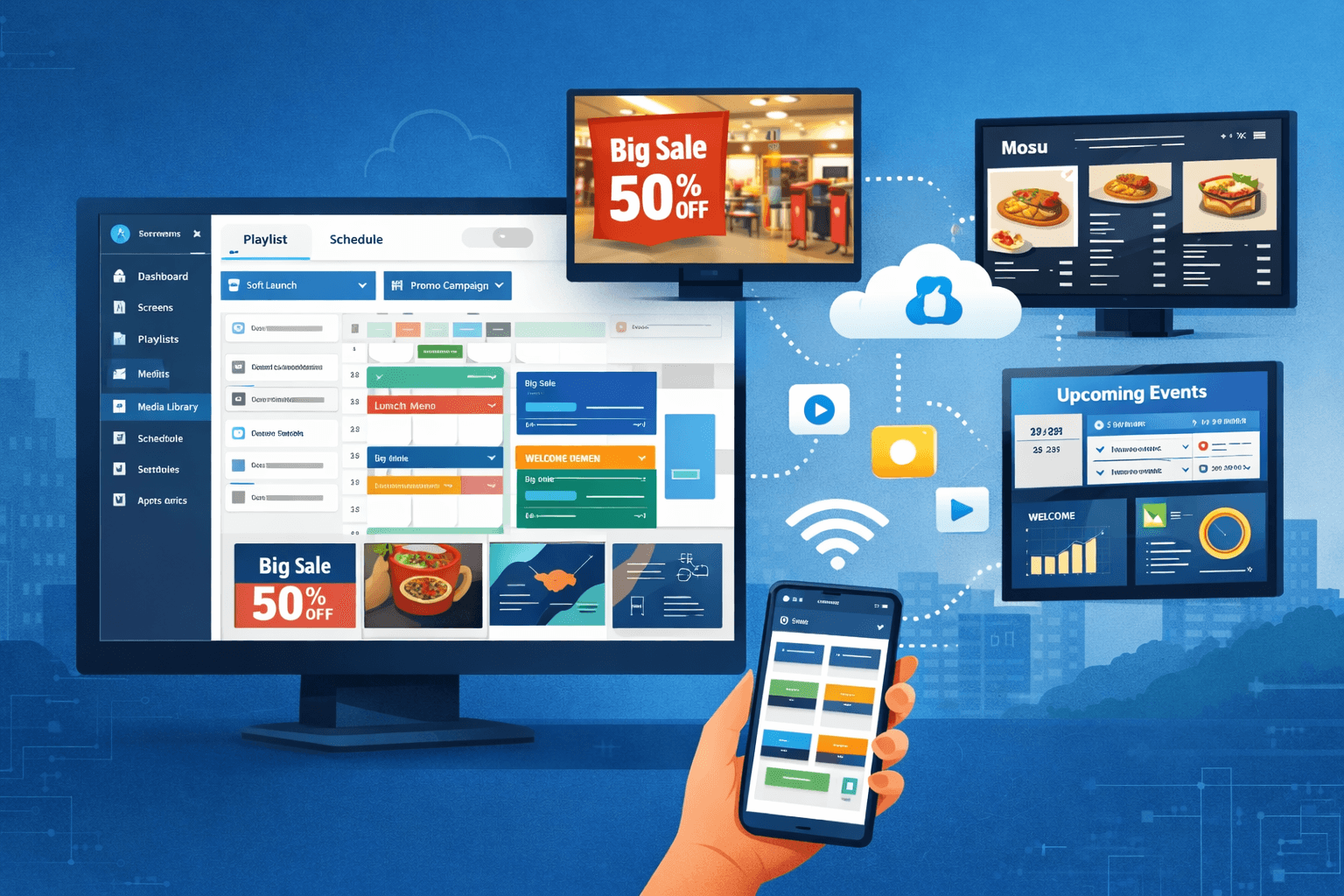
The software dashboard allows businesses to upload content, create playlists, and schedule campaigns.
Network connection
Screens connect to the internet so content updates can be delivered remotely.
Once the system is configured, businesses can update screen content from a single interface without visiting each location.
Key Features of Digital Signage Software
Modern digital signage platforms include several operational features that help businesses manage screen networks efficiently.
Remote content management
Content can be updated instantly across multiple screens from a centralized dashboard.Content scheduling
Businesses can schedule different content to appear at specific times of the day.Multi-location screen management
Companies operating multiple locations can manage all screens from a single system.Content playlists
Multiple media files can be arranged into playlists that play automatically on displays.Analytics and monitoring
Some platforms provide insights into screen performance, playback status, and device health.
Businesses comparing signage platforms with traditional website systems often evaluate the differences between digital signage software and CMS platforms.
Where Businesses Use Digital Signage Software
Digital signage software is widely used across multiple industries.
Retail stores
Retailers use screens to promote products, seasonal discounts, and brand campaigns.Restaurants and cafes
Restaurants use digital menu boards to display menus, pricing, and promotions while updating content easily.Corporate offices
Companies display internal announcements, company updates, and meeting room schedules.Healthcare facilities
Hospitals and clinics use screens for patient communication, queue updates, and wayfinding.Educational institutions
Schools and universities display notices, event information, and campus announcements.
Digital Signage Software vs USB Signage
Some small businesses initially use USB playback to run content on screens.
In this setup, media files are stored on a USB drive and inserted directly into the display. While this method works for simple setups, it has several limitations.
USB Signage
Manual content updates
Difficult to manage multiple screens
No centralized control
Digital Signage Software
Remote content updates
Scheduling and automation
Centralized screen management
Businesses that expand to multiple locations usually adopt software-based systems to simplify screen management.
Small shops sometimes begin with offline setups such as USB digital signage for Indian shops before transitioning to centralized platforms.
How Businesses Use Digital Screens to Drive Revenue
Digital signage is not only a communication tool but also a revenue driver. Businesses use screens to promote offers, highlight products, and influence purchasing decisions.
Common revenue strategies include:
In-store promotions
Retailers display limited-time offers, seasonal discounts, and product launches.Upselling and cross-selling
Restaurants promote combo meals, upgrades, and add-ons through digital menu boards.Advertising partnerships
Some businesses generate additional income by displaying third-party advertisements.Brand storytelling
Screens help businesses showcase brand identity, customer experiences, and brand messaging.
Different industries use screen networks in various ways to influence customer behavior and increase sales. These strategies are explained in our guide on how businesses use screens to drive revenue.
Why Businesses Adopt Digital Signage Software
Businesses adopt digital signage platforms to improve operational efficiency and scalability.
Key benefits include:
Centralized screen management
Faster content updates
Consistent messaging across locations
Reduced manual work
As companies deploy more displays across locations, centralized software becomes essential for maintaining control over content.
Conclusion
Digital signage software allows businesses to manage digital screens from a centralized platform, making it easier to update content, schedule campaigns, and maintain consistent messaging across locations.
Compared to manual USB playback systems, software-based platforms provide greater flexibility and scalability for businesses that operate multiple screens.
As digital displays become more common in retail, restaurants, and corporate environments, centralized screen management platforms are becoming a core part of modern business communication.
Businesses exploring digital signage solutions can evaluate platforms like Flickerwall to understand how remote screen management works across multiple locations.