What Small Retailers Get Wrong About Digital Signage
Why simple setups often fail as your business grows
Digital signage adoption among small retailers is increasing rapidly, driven by the need for better in-store communication and visual engagement. However, many businesses approach implementation with a short-term mindset—prioritizing low cost and quick setup over long-term usability and scalability. While this approach may work initially, it often creates operational inefficiencies and limits growth as content needs and screen networks expand. Understanding what actually works—and what doesn’t—is critical to building a digital signage setup that delivers sustained value.
Written by
Sidharth Gaikwad
Read Time
3 minutes
Posted on
04/19/2026
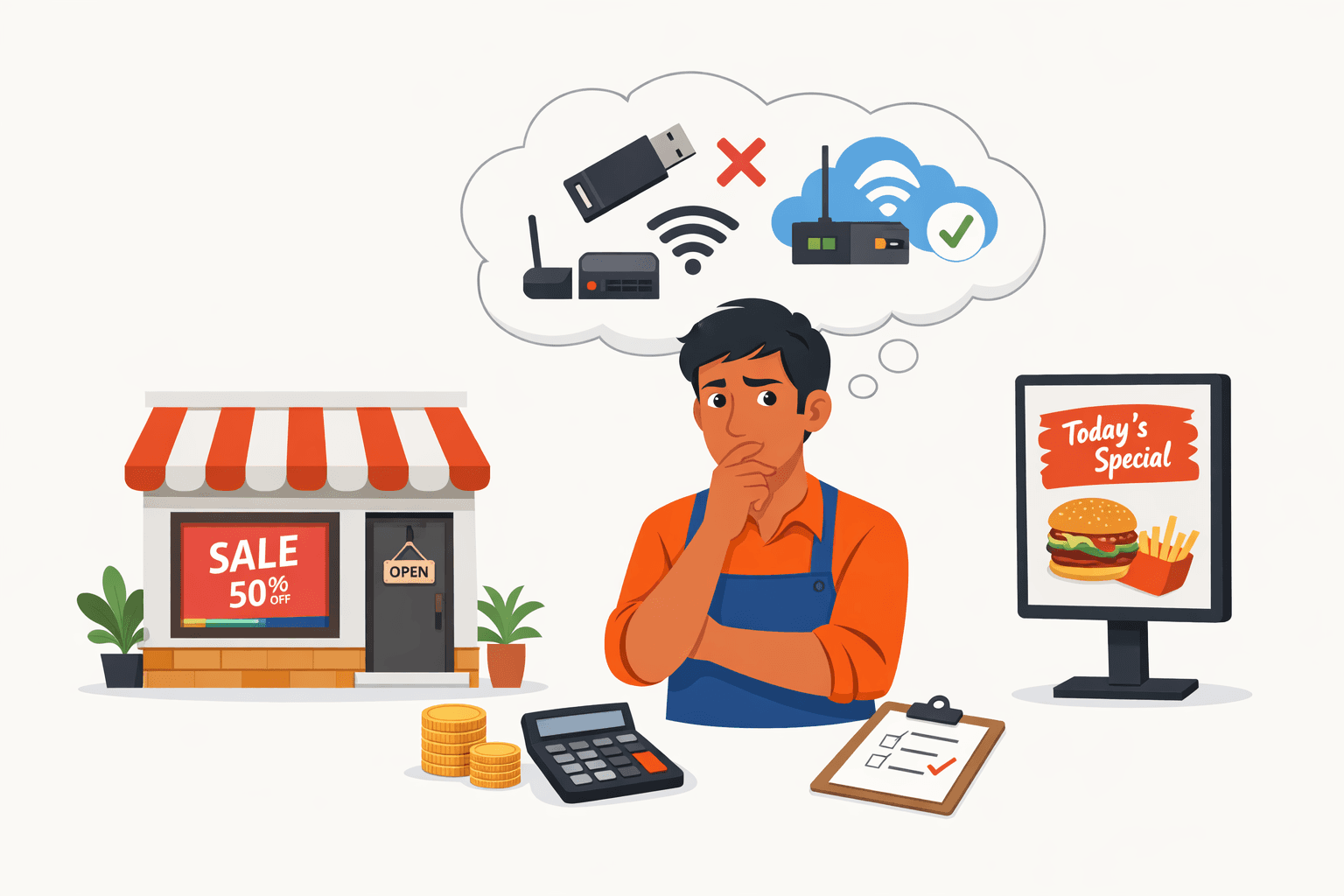
Understanding Small Retail Requirements
Small retail environments operate very differently from large enterprises, with tighter budgets, fewer screens, and limited technical resources. This makes simplicity important—but not at the cost of long-term efficiency.
The goal is not just to deploy signage quickly, but to ensure it remains easy to manage, update, and scale as the business grows.
Why Complex Systems Often Fail
Enterprise-grade systems can introduce unnecessary complexity for small retailers. High costs, steep learning curves, and over-engineered features often create friction instead of value.
As a result, many businesses underutilize the system. The challenge is not capability—it’s usability and accessibility.
The Case for Simple but Scalable Systems
A simplified approach should still allow room for growth. The most effective setups balance ease of use with scalability.
This includes:
Centralized content management
Easy content updates
Minimal training requirements
The objective is to start simple—but scale without switching systems later.
Why Cloud-Based Systems Improve Reliability and Control
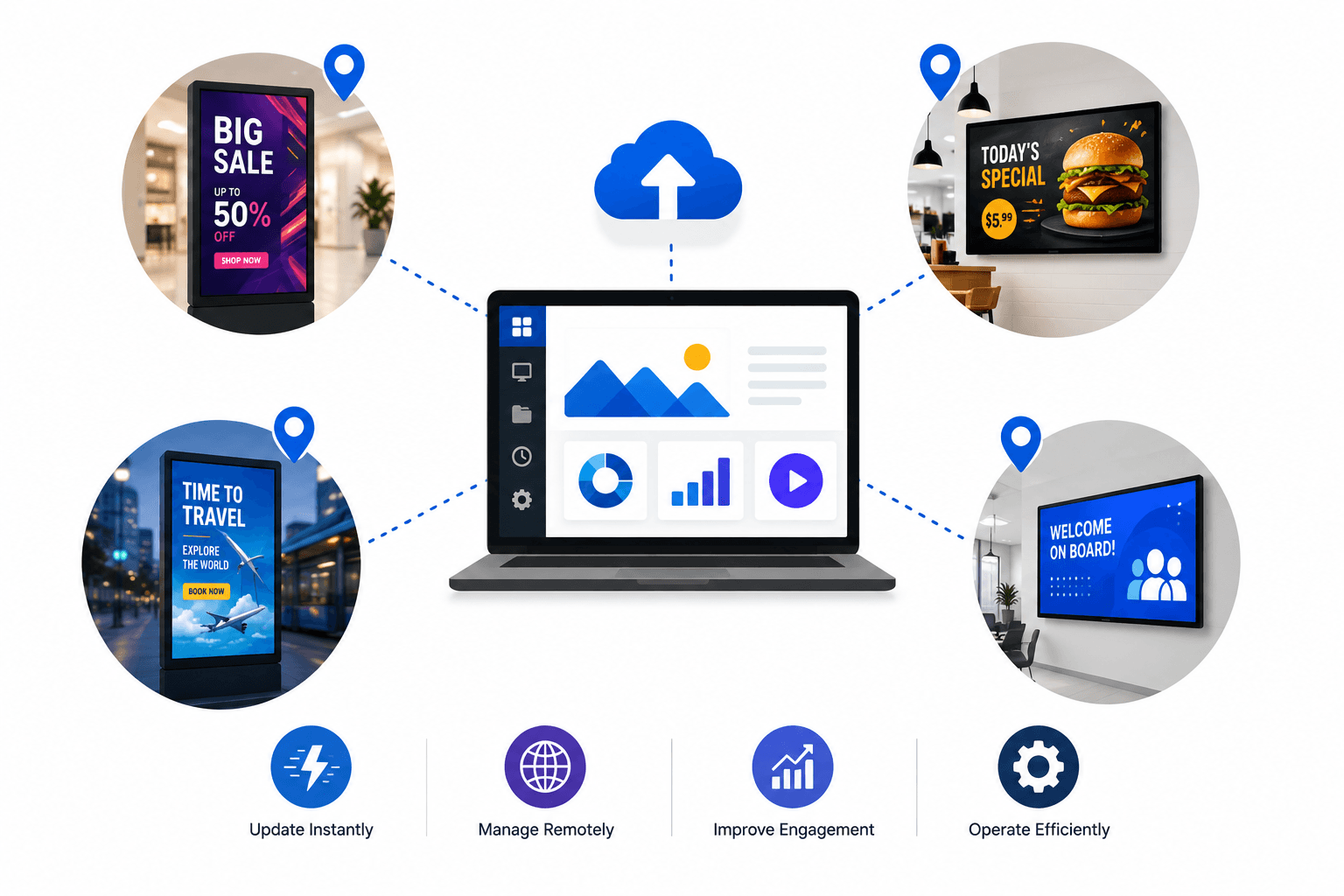
Modern digital signage is increasingly cloud-driven. Connectivity enables businesses to manage screens remotely, update content instantly, and maintain consistency across locations.
Key advantages include:
Real-time content updates
Centralized control
Faster deployment and scaling
Reduced operational effort
Cloud systems are ideal for businesses looking for flexibility and long-term scalability.
The Problem with USB-Based Signage
USB-based signage is often used as a quick starting point, but it introduces significant operational limitations.
Key challenges include:
Manual updates for every screen
No centralized control
Inconsistent content across screens
No scheduling or automation
No performance visibility
While it may work for very basic setups, it becomes inefficient almost immediately as requirements grow.
Where On-Premise Systems Fit
For businesses that want more control than USB but are not fully cloud-ready, on-premise systems offer a structured alternative.
They provide:
Centralized control within a local network
Better content management compared to USB
Reduced manual effort
More consistency across screens
However, they also come with trade-offs such as:
Limited remote accessibility
Higher setup and maintenance overhead
Less flexibility compared to cloud-based systems
On-premise solutions are a clear step up from USB—but may not match the scalability of cloud systems.
Cost Optimization Without Compromise
What appears cost-effective upfront can become expensive operationally. USB-based systems reduce software costs but increase manual effort.
On-premise systems reduce manual work but introduce infrastructure and maintenance overhead.
Cloud-based systems, while subscription-driven, optimize:
Time
Control
Scalability
This leads to stronger long-term ROI.
When to Move Beyond Basic Setups
As soon as a business requires even basic control, the limitations of manual systems become clear.
You should upgrade when:
Managing more than one screen
Updating content frequently
Needing consistency across locations
At this stage:
USB → becomes inefficient
On-prem → becomes viable
Cloud → becomes optimal for scale
Conclusion
The best digital signage setup is not just simple—it’s structured for growth.
USB-based approaches may work initially but quickly become limiting. On-premise systems provide better control, but come with operational overhead.
Cloud-based systems offer the most scalable and efficient solution, enabling businesses to manage, update, and grow their signage effortlessly.