What You Can Do with a Digital Signage CMS
Key capabilities that enable control, automation, and scalable screen management.
A digital signage CMS is the control layer behind modern screen networks. While displays and media players handle playback, the CMS determines how content is created, scheduled, and distributed. For businesses managing more than a few screens, a CMS is not optional—it becomes the foundation for efficiency and scale. Understanding its capabilities helps in evaluating the right digital signage solution.
Written by
Sidharth Gaikwad
Read Time
4 minutes
Posted on
04/27/2026
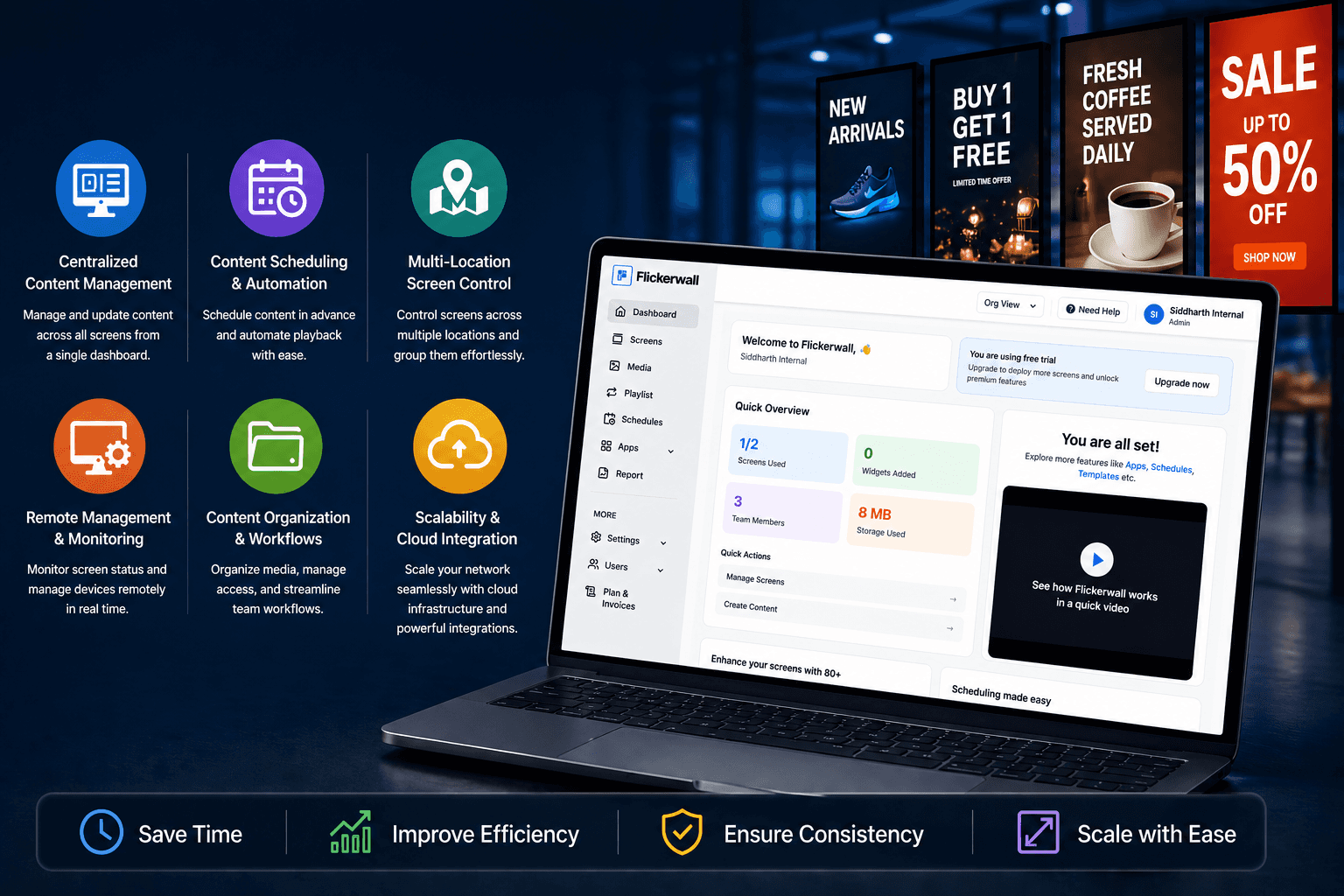
Centralized Content Management
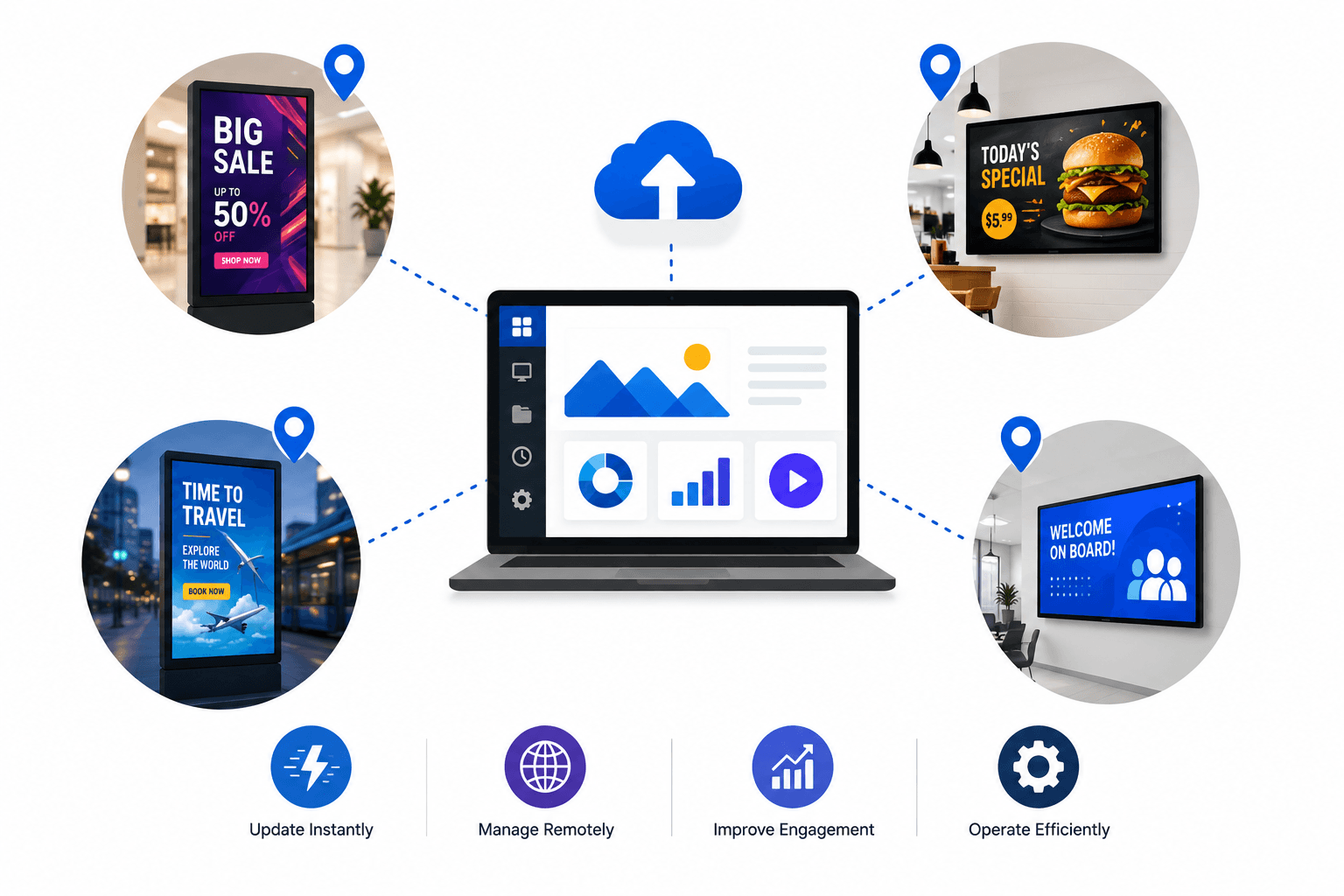
A CMS allows you to control all screens from a single interface.
At its core, a CMS acts as the control layer that connects your content to your screens. If you're unfamiliar with how it works, here’s a simple guide explaining what a digital signage CMS is.
This means:
Upload and manage content in one place
Push updates across multiple screens instantly
Maintain consistency across locations
Without this, businesses rely on manual updates, often leading to errors and inconsistencies.
Content Scheduling and Automation
Scheduling is one of the most powerful CMS features.
With a CMS, you can:
Plan content in advance
Schedule campaigns by date and time
Automate content playback
This removes the need for constant manual intervention and ensures campaigns run as planned.
Multi-Location Screen Control
As businesses expand, managing screens across locations becomes complex.
A CMS enables:
Grouping screens by location
Running region-specific content
Managing hundreds of displays from one dashboard
This is essential for retail chains, franchises, and enterprise deployments.
Remote Management and Monitoring
A CMS eliminates the need for on-site control.
You can:
Monitor screen status in real time
Troubleshoot issues remotely
Control playback without physical access
This significantly reduces operational effort.
Content Organization and Workflow Management
Managing large volumes of content requires structure.
CMS platforms provide:
Media libraries
Folder organization
Role-based access control
This ensures teams can collaborate without confusion or duplication.
Scalability and Cloud Integration
Modern CMS platforms are cloud-based.
This allows:
Easy scaling across locations
Real-time updates
Integration with external tools and APIs
Cloud-based CMS systems are built for long-term growth.
Conclusion
A digital signage CMS transforms screens from standalone displays into a connected, manageable network. It enables centralized control, automation, and scalability—capabilities that are essential for modern businesses.