Running Digital Signage Without Internet Connectivity
Practical deployment approaches for businesses with limited connectivity
Many businesses in India operate in areas where stable internet connectivity is not always available. Despite this challenge, digital signage can still be deployed using offline setups that store content locally on displays or media players.
Written by
Sidharth Gaikwad
Read Time
4 minutes
Posted on
03/08/2026

Why Some Businesses Still Need Offline Digital Signage (And Why USB Isn’t Enough)
Digital signage platforms are increasingly moving toward cloud-based systems. However, not every business operates in an environment with stable or reliable internet connectivity.
Many businesses—especially smaller establishments or those in remote locations—still depend on offline digital signage solutions, despite the known limitations of offline signage as they scale.
Understanding the difference between basic USB setups and structured on-premise systems is critical for long-term success.
Businesses That Require Offline Signage
In many regions, internet connectivity can be slow, unstable, or unavailable. In such environments, cloud-based signage systems may not function reliably.
Common use cases include:
Retail stores in rural or semi-urban areas
Restaurants and quick-service outlets
Pharmacies and clinics
Warehouses and factory floors
Transportation hubs and temporary setups
For these businesses, offline digital signage is not optional—it’s operationally necessary.
Why USB-Based Digital Signage Falls Short
USB-based signage is often the first step businesses take because of its simplicity. However, it comes with significant limitations.
Typical USB workflow:
Content is manually copied to a USB drive
Inserted into each screen individually
Played in a loop without control or updates
While this works for a single screen, it quickly breaks down as soon as requirements grow.
Key limitations:
No centralized control
Manual updates for every display
No scheduling or automation
High dependency on staff
No visibility into whether content is playing correctly
USB-based signage is not designed for operational efficiency—it’s a temporary workaround.
What an On-Premise Digital Signage Setup Looks Like
A more structured offline approach is on-premise digital signage.
Instead of relying on USB drives, businesses use:
A local server (on-site)
Connected media players
A centralized content management system (CMS)
Local network (LAN) for communication
In this setup:
Content is managed centrally within the location
Screens are updated over a local network
No internet is required for daily operations
This provides a far more reliable and scalable offline solution.
Advantages of On-Premise Over USB-Based Systems
On-premise systems bring structure and control to offline environments.
Key benefits:
Centralized Control
Manage multiple screens from a single system within the location.
Content Scheduling
Plan and automate content without manual intervention.
Consistency Across Screens
Ensure all displays show the correct and updated content.
Reduced Manual Effort
No need to physically update each screen using USB drives.
Operational Reliability
Works without internet while maintaining control and flexibility.
When to Choose On-Premise Digital Signage
On-premise systems are ideal when:
You manage multiple screens in one location
Content needs to change frequently
Manual updates are becoming inefficient
Reliability is critical for operations
It bridges the gap between basic offline setups and fully cloud-managed systems.
Where Cloud Still Fits In
While on-premise systems solve offline challenges, they still have limitations when it comes to scaling across multiple locations.
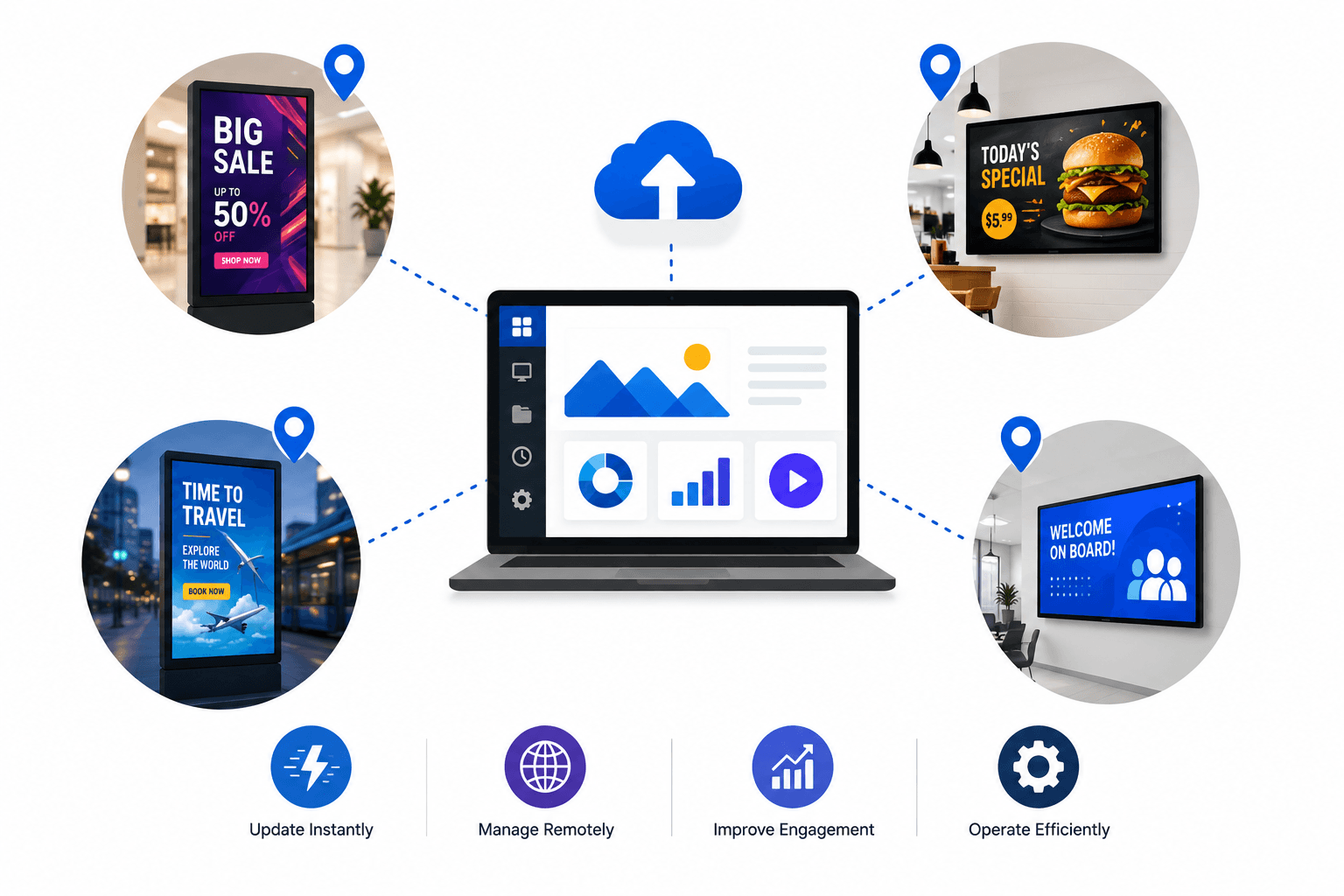
Cloud-based platforms allow businesses to:
Manage screens across cities or regions
Update content remotely
Monitor performance in real time
Scale without infrastructure constraints
For growing businesses, the long-term path often moves from:
USB → On-Premise → Cloud
Conclusion
Offline digital signage is essential in many real-world environments, but relying on USB-based systems limits efficiency and growth.
On-premise digital signage provides a more structured and scalable offline solution by enabling centralized control, scheduling, and consistency—without requiring internet connectivity.
As businesses expand, transitioning toward cloud-based platforms ensures even greater flexibility and long-term scalability.