How USB Digital Signage Works in Small Shops
Understanding offline signage setups commonly used by retail stores and small businesses.
Many small retail shops and restaurants in India start their digital signage journey using a USB drive and a television screen. This setup allows businesses to display promotional videos, product images, or menu boards without investing in complex systems. USB signage is easy to implement and does not require internet connectivity, which makes it attractive for small businesses. However, as businesses grow or operate multiple screens, managing content through USB drives becomes inefficient compared to modern digital signage platforms.
Written by
Sidharth Gaikwad
Read Time
3 minuites
Posted on
03/07/2026
What Is USB Digital Signage
USB digital signage refers to displaying media files directly from a USB drive connected to a television or media player. Businesses typically upload images or videos onto a USB drive and plug it into a display that supports slideshow or video playback.
Common content displayed includes:
Promotional offers
Product advertisements
Restaurant menus
Informational announcements
This setup works well for businesses operating a single screen with limited content updates. Businesses new to digital displays often start by learning what digital signage software is before deciding whether to continue with USB setups or upgrade to a more advanced solution.
Why Small Shops Use USB Signage
Many small businesses prefer USB signage because of its simplicity and affordability.
Key advantages include:
No internet connection required
Minimal hardware requirements
Easy content playback
Low setup cost
For businesses exploring display marketing for the first time, USB signage provides a quick and inexpensive starting point.
Limitations of USB Digital Signage
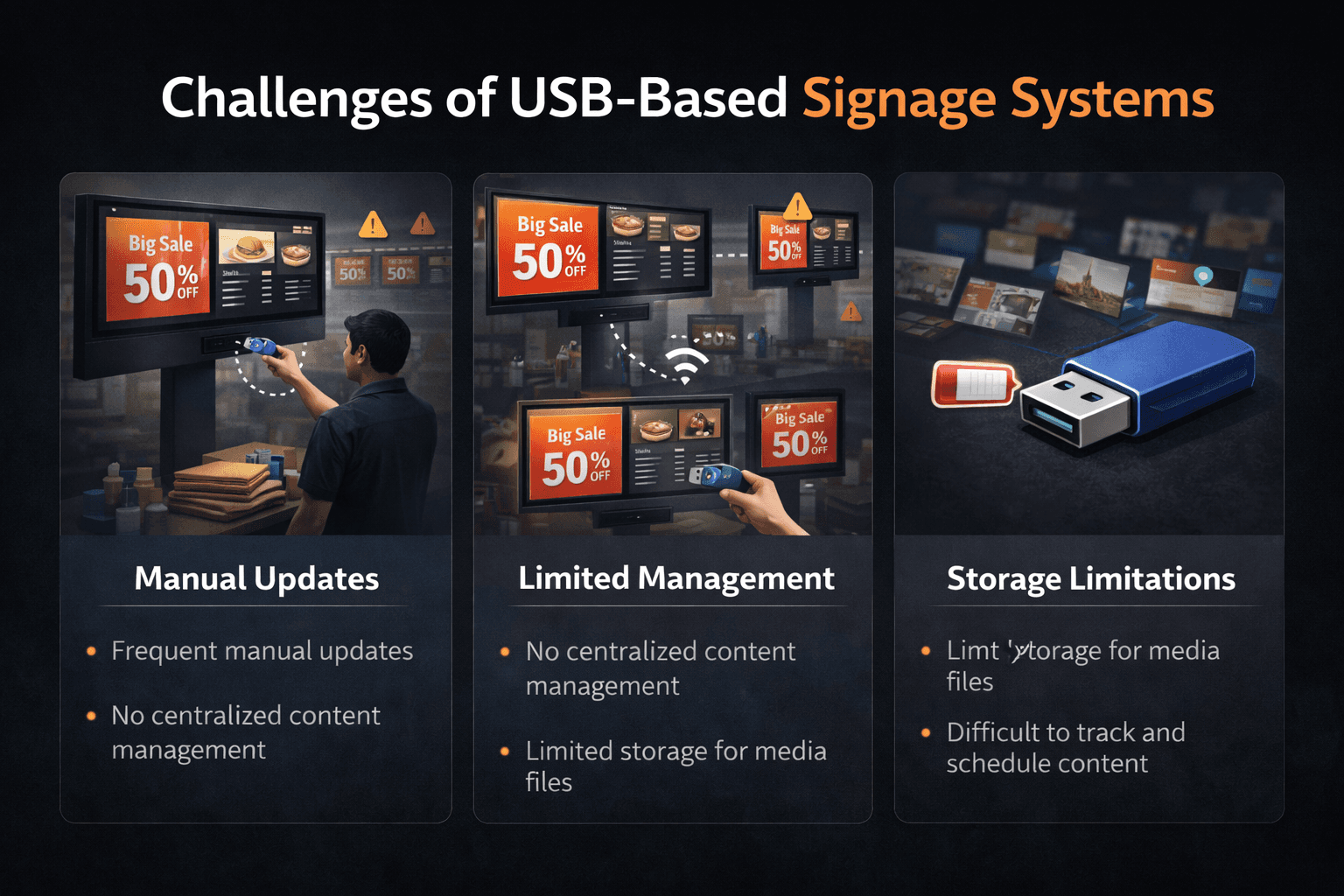
While USB signage is simple, it has several limitations that become noticeable as businesses grow.
Manual Updates
Every time content needs to change, someone must physically remove the USB drive and update the files.
No Remote Control
Content cannot be updated remotely, which makes managing multiple screens difficult.
No Scheduling
USB playback usually runs content in a loop without advanced scheduling capabilities.
No Screen Monitoring
Businesses cannot monitor screen status or performance remotely.
These limitations are why many businesses eventually evaluate dedicated digital signage platforms when expanding their display networks.
When Businesses Should Upgrade from USB Signage
USB setups work best for businesses with one or two screens and minimal content changes. However, businesses should consider upgrading when:
Multiple screens need to be managed
Promotions change frequently
Screens exist across multiple locations
Centralized control becomes necessary
At this stage, businesses typically evaluate the digital signage cost in India to determine the best solution for scaling their display network.
USB Signage vs Digital Signage Software
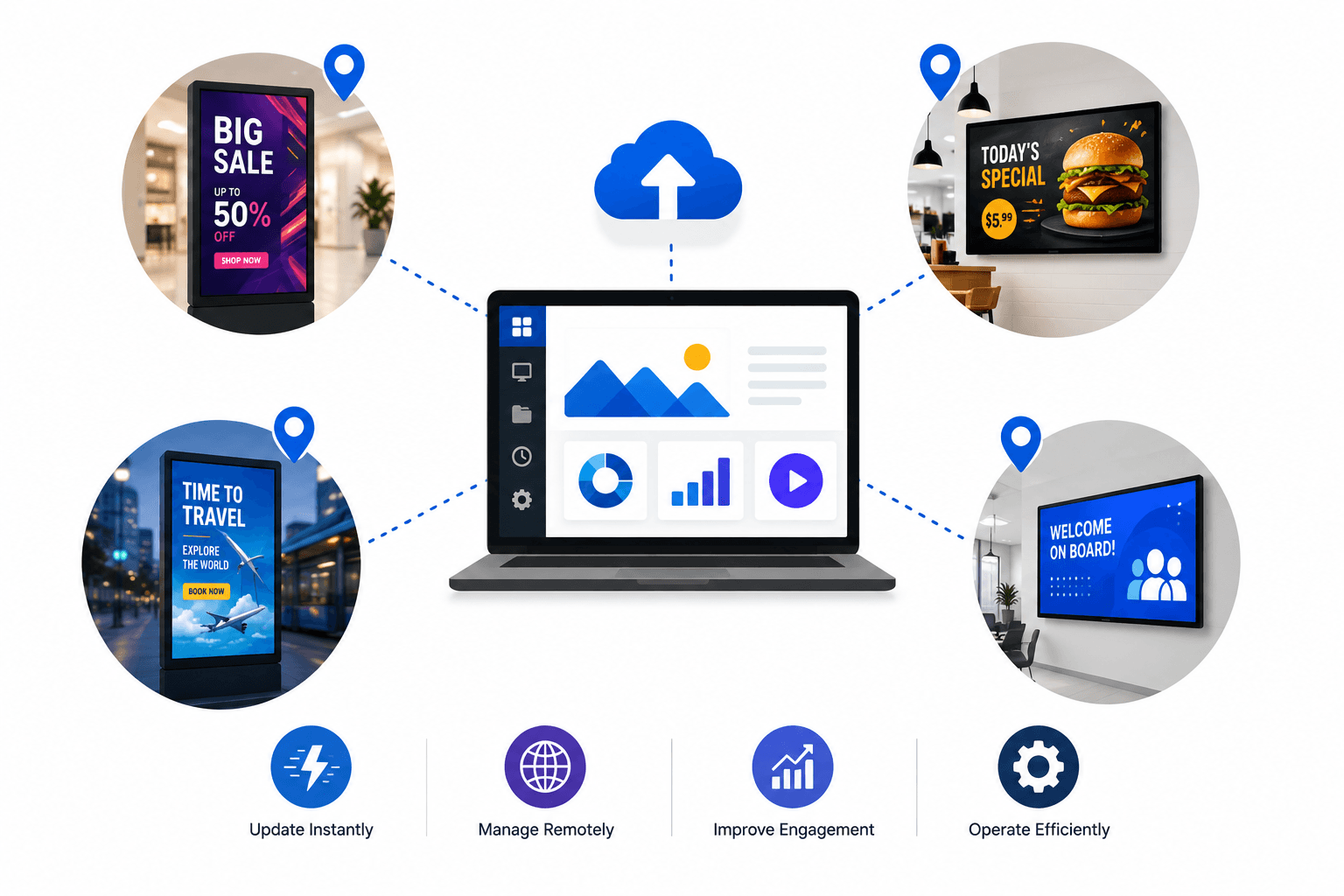
USB signage is a simple offline playback method, while digital signage software provides centralized screen management.
USB Signage
Offline playback
Manual content updates
Limited functionality
Digital Signage Software
Remote screen control
Content scheduling
Multi-screen management
Analytics and monitoring
Businesses that operate multiple screens usually require software platforms to maintain efficiency.
Conclusion
USB digital signage is a practical starting point for small businesses experimenting with display communication. It offers a simple and affordable way to showcase promotions, menus, or announcements on a television screen.
However, as businesses expand their display networks or require frequent content updates, USB-based setups become difficult to manage. At that stage, adopting a dedicated digital signage platform allows businesses to automate content updates, control multiple screens remotely, and scale communication across locations more efficiently.
Platforms like Flickerwall help businesses transition from basic USB signage setups to fully managed digital display networks designed for growth.